
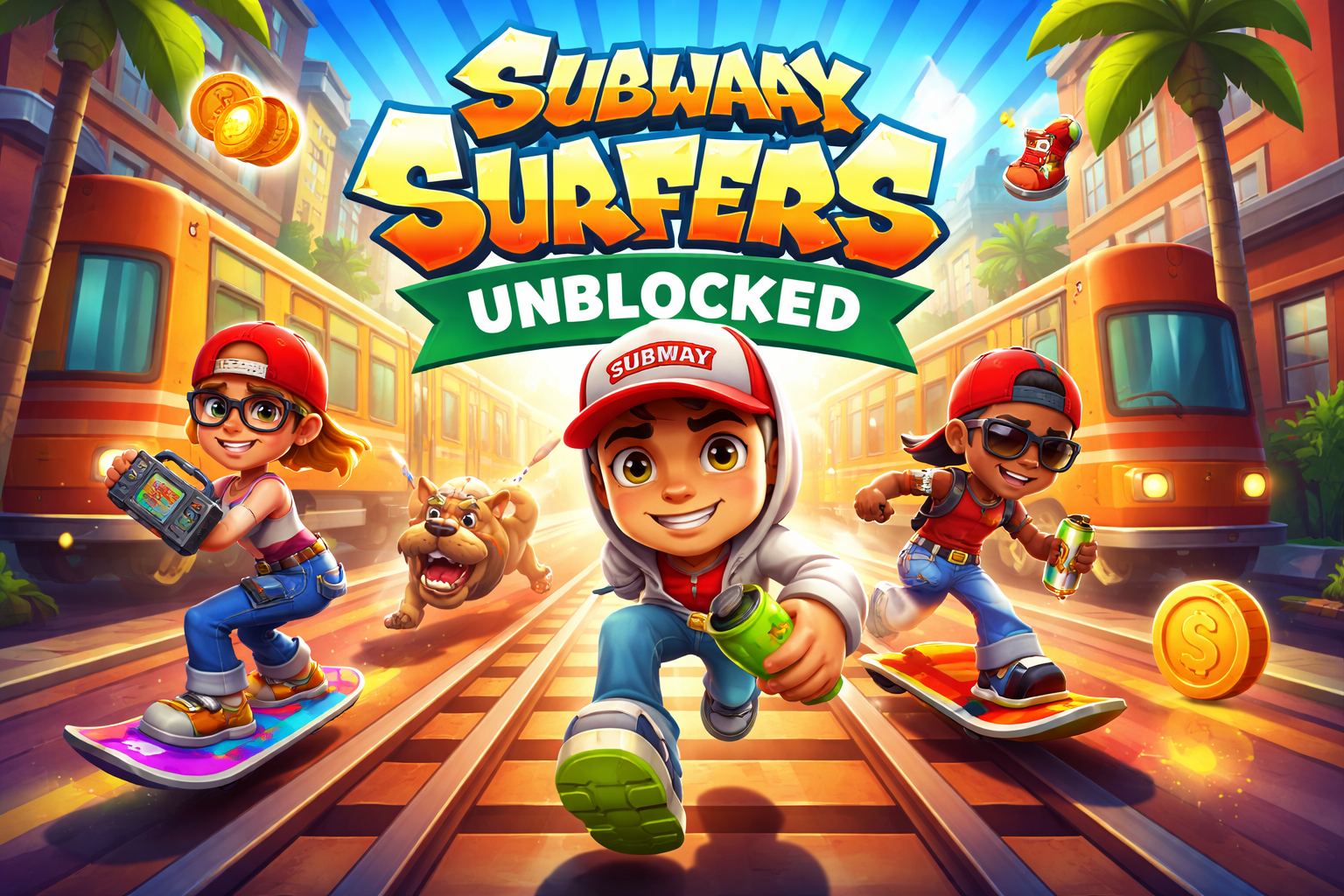
Few mobile games have managed to stay popular for more than a decade, but Subway Surfers continues to attract players across the world. The endless runner created by Kiloo and SYBO Games has become one of the most recognizable casual games ever released.
Originally launched in 2012 on mobile devices, the game quickly became a global favorite thanks to its simple mechanics and colorful design. Over time, however, many players began searching for Subway Surfers Unblocked, a version they could play directly in a browser without restrictions.
Students in schools, employees during breaks, and casual gamers often look for unblocked versions because many networks block gaming websites. Unblocked browser versions provide a workaround, letting players enjoy the same fast-paced gameplay from almost any device.
Understanding how these versions work—and where to play safely—helps players enjoy the game without unnecessary risks.
What Is Subway Surfers?
Subway Surfers is an endless runner where players control a character sprinting through train tracks while being chased by an inspector and his dog.
The gameplay is easy to learn:
- Swipe left or right to switch tracks
- Swipe up to jump over obstacles
- Swipe down to roll under barriers
The objective is simple: run as far as possible while collecting coins, power-ups, and rewards.
Despite the straightforward design, the game maintains long-term appeal through:
- Frequent city-themed updates
- Unlockable characters and hoverboards
- Increasing speed and difficulty
This balance between simplicity and challenge is one reason the game still attracts millions of players today.
What Does “Subway Surfers Unblocked” Mean?
Subway Surfers Unblocked refers to browser-based versions of the game that can be played on networks where gaming sites are usually restricted.
Many institutions block certain categories of websites, including gaming platforms. Schools and offices often implement these restrictions to reduce distractions and manage bandwidth.
Unblocked versions bypass these filters by being hosted on platforms that aren’t flagged by network restrictions.
Common characteristics of unblocked versions include:
- Running directly in a web browser
- No download required
- Often built using HTML5 or WebGL
- Playable on school or work computers
The core gameplay remains the same as the mobile version, though visual performance may vary depending on the site and device.
Why Players Look for Subway Surfers Unblocked
The demand for unblocked versions usually comes down to convenience.
1. School Network Restrictions
Students frequently encounter blocked gaming apps on school computers. Browser-based versions allow quick access during breaks without installing software.
2. Office Computers
Some office computers restrict app downloads. Browser games provide a quick entertainment option during short breaks.
3. Low-Storage Devices
Not every device has enough space for mobile games. Browser versions eliminate the need for installation.
4. Quick Access
Opening a webpage is faster than installing an app. For casual players, this simplicity makes a difference.
These factors explain why searches for “Subway Surfers Unblocked” remain consistently high.
How Subway Surfers Unblocked Works in a Browser
Modern browser games rely heavily on HTML5 technology. Instead of running as a mobile app, the game loads inside the browser using web-based graphics engines.
When you open an unblocked game page, several things happen behind the scenes:
- The site loads game assets like textures and sounds.
- The browser uses WebGL to render graphics.
- Your keyboard controls replace touchscreen gestures.
Typical keyboard controls include:
- Arrow keys to move left or right
- Up arrow to jump
- Down arrow to roll
Some versions also allow mouse input.
Performance depends largely on the browser and hardware, but modern laptops usually handle the game smoothly.
Differences Between Mobile and Unblocked Versions
Although the gameplay is nearly identical, there are some practical differences between mobile apps and browser-based versions.
Touch vs Keyboard Controls
The mobile version uses swipe gestures, while browser versions rely on keyboard controls. Some players adapt quickly, while others prefer touch controls.
Progress Saving
Mobile apps usually store progress through accounts or cloud saves. Browser versions may not always save progress unless the site supports it.
Updates and Events
The official mobile game receives frequent themed updates through the “World Tour” system. Browser versions sometimes lag behind these updates.
Graphics Performance
Mobile devices optimized for gaming may deliver smoother performance compared to older school computers.
Still, for quick sessions, browser versions deliver a surprisingly similar experience.
Is Subway Surfers Unblocked Safe to Play?
Safety depends largely on the website hosting the game.
Because unblocked versions are often hosted on third-party gaming sites, quality and security can vary.
Before playing, consider a few basic checks:
- Avoid sites filled with aggressive pop-up ads
- Use reputable browser game platforms
- Never download unknown files
- Keep your browser updated
Most browser-based versions simply run inside the webpage and do not require installations, which reduces risk.
Still, caution is always wise when browsing unfamiliar sites.
Why Subway Surfers Became One of the Most Played Games
The lasting popularity of the game is not accidental.
Several design choices helped it reach a massive audience.
Easy to Learn
Players can understand the mechanics within seconds.
Short Play Sessions
Each run lasts only a few minutes, making it ideal for quick breaks.
Visual Style
Bright colors and animated environments keep the game visually engaging.
Continuous Updates
Regular updates keep players returning to see new characters and cities.
This combination made the game accessible to casual players while still offering long-term engagement.
Tips for Playing Subway Surfers in a Browser
Browser versions feel slightly different from mobile versions, so a few adjustments can improve the experience.
Stay Centered Early
When a run begins, staying on the middle track gives more reaction time.
Use Hoverboards Strategically
Hoverboards protect players from crashing once, which can extend runs significantly.
Focus on Power-Ups
Jetpacks and coin magnets increase score potential.
Anticipate Obstacles
Unlike slower games, Subway Surfers accelerates quickly. Looking slightly ahead on the track helps avoid sudden collisions.
These small adjustments can dramatically increase run distances.
The Growing Popularity of Browser Games
The rise of unblocked games reflects a broader shift toward browser-based gaming.
A decade ago, browser games were limited to simple Flash titles. Today, modern web technologies allow developers to create full 3D experiences directly in a browser.
Several factors contributed to this shift:
- Faster internet speeds
- Improved browser graphics engines
- Cross-platform accessibility
As a result, games that once required installation can now run instantly online.
Subway Surfers fits naturally into this environment because its mechanics are simple enough to translate well to web platforms.
When Unblocked Games Are Useful — and When They Aren’t
Unblocked games are convenient, but they are not always the best option.
They are useful when:
- You want quick entertainment
- Installing apps is not possible
- You’re using a shared computer
They are less ideal when:
- You want full progress tracking
- You want official updates and events
- You prefer optimized mobile controls
For dedicated players, the mobile version remains the best long-term experience.
For quick sessions, unblocked versions work perfectly well.
FAQ: Subway Surfers Unblocked
Can Subway Surfers Unblocked be played on school computers?
Yes, many browser versions work on school networks because they run on websites that aren’t blocked. However, restrictions vary depending on the school’s network policies.
Do unblocked versions save your progress?
Most browser versions do not permanently save progress. Some may store temporary progress using browser cookies, but it usually resets after closing the tab.
Is Subway Surfers Unblocked the same as the mobile game?
The gameplay is nearly identical, but browser versions may lack certain updates, events, or characters available in the official mobile version.
Do I need to download anything to play?
No download is typically required. Most unblocked versions run directly inside the browser using web technologies.
Why do some schools block games like Subway Surfers?
Schools often block gaming websites to reduce distractions and keep students focused on coursework.
Can Subway Surfers Unblocked run on older computers?
In many cases yes. Because the game is relatively lightweight, even older computers can usually run browser versions without major issues.
Subway Surfers has remained relevant for years because it understands something simple about gaming: people enjoy quick, satisfying experiences that don’t require long commitments. Unblocked versions extend that accessibility even further. Whether someone is on a school computer, a work laptop, or a device without app installation rights, the ability to open a browser and start running within seconds keeps the game alive in everyday moments. For casual players, that convenience is often all it takes.
